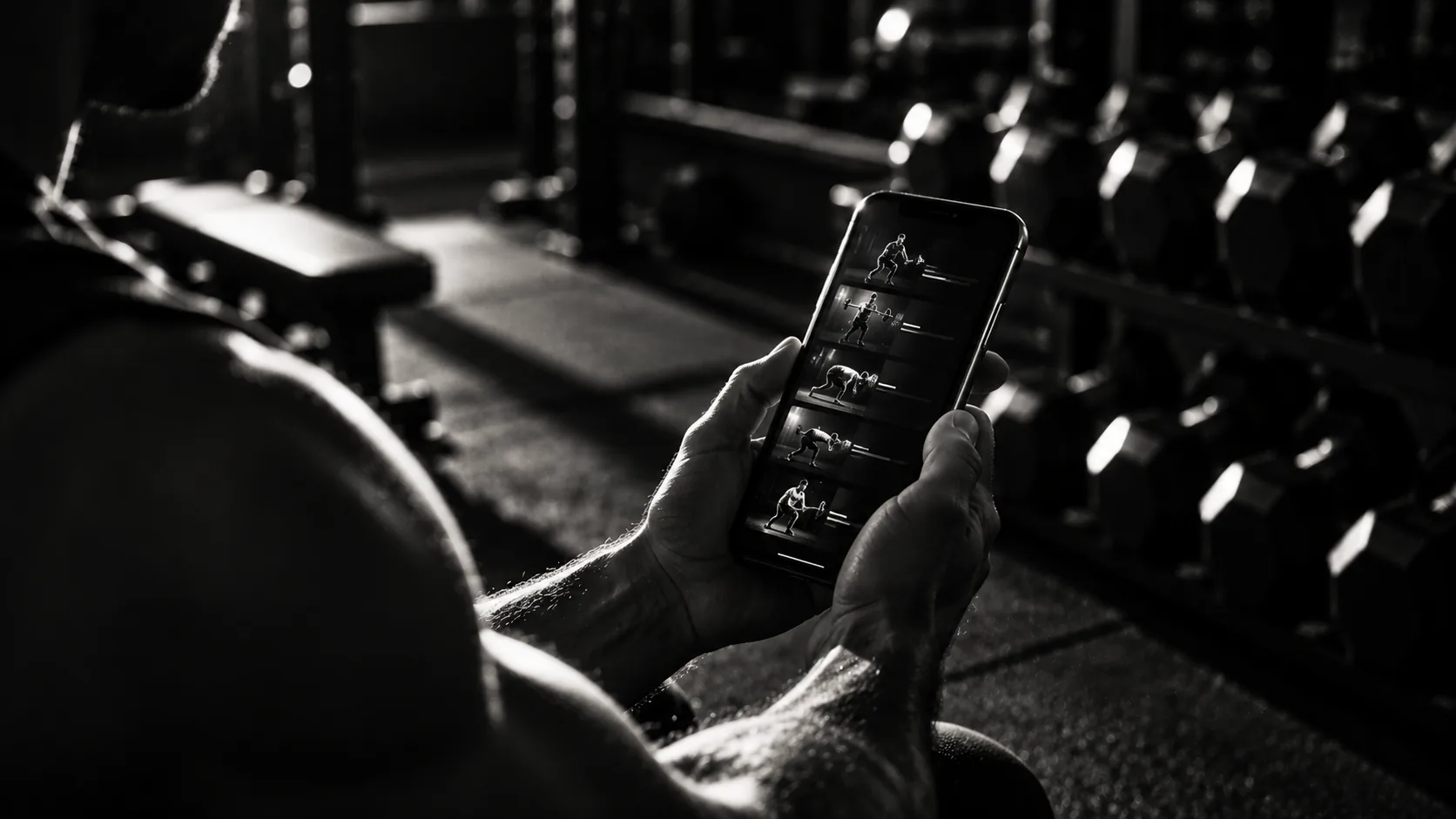
What iPhone lifters actually need
Most people searching for a workout app on iPhone want the same short list of things. Fast logging — you're in a gym, resting between sets, and tapping through three screens to record weight and reps isn't it. A rest timer that stays on the lock screen so you don't have to unlock your phone. Offline support because gym Wi-Fi is a joke. And a price of zero, because a monthly subscription to record four sets of bench press is a hard sell.
The problem is most App Store apps trade one of those requirements against another. Apps with great logging usually put the rest timer or offline mode behind a paywall. Free apps come with ads that fire at the worst possible moment — mid-set, phone on the floor, rest timer running.
A web app installed to the home screen is a less-discussed option that solves all four at once. SammaGym is built on this model: open it in Safari, add it to your home screen, and you've got a full-screen, offline-capable, genuinely free workout tracker on iPhone — today, no App Store download needed.
SammaGym on iPhone: how it works today
SammaGym is a Progressive Web App (PWA). It's built with web technology but installs directly to your iPhone home screen from Safari. Once installed, it behaves like a native app in every way that matters at the gym: full-screen layout with no browser chrome, a home screen icon, offline mode, and a lock-screen timer.
The one thing worth being upfront about: SammaGym isn't on the App Store yet as a native iPhone app. You install it from the browser, not a store listing. A native iOS app is in development and coming to the App Store — but what's available today is the full product, not a preview or a stripped-down version.
All workout data is stored locally on your device using IndexedDB — not on a server that needs a login. That's what makes true offline use possible: the app doesn't need an internet connection at any point during a session.
How to install SammaGym on your iPhone home screen
Apple's 'Add to Home Screen' feature has been part of Safari on iPhone since iOS 11. The steps below work on any iPhone running iOS 14 or later — which covers the overwhelming majority of iPhones in use today.
- 1Open Safari on your iPhone — it must be Safari, not Chrome or another browser, for the home screen install to work correctly.
- 2Navigate to app.sammagym.com.
- 3Tap the Share button — the square with an upward arrow — at the bottom of the screen.
- 4Scroll down the share sheet and tap 'Add to Home Screen'.
- 5Edit the name if you want (or leave it as SammaGym), then tap 'Add' in the top right.
- 6The app icon appears on your home screen. Tap it — it opens full-screen, with no browser address bar, just like a native app.
The whole process takes under a minute. Apple documents the Add to Home Screen feature in their Safari User Guide for iPhone — see the sources section below for the reference.
Key features for iPhone users
Once installed, SammaGym gives iPhone users all of the following — no subscription required.
- Previous set shown inline. Weight and reps from your last session appear in grey directly below each active set as you log — the same pattern that made Hevy popular. You see exactly what you lifted last time without navigating away.
- Rest timer on the lock screen. Start the timer after a set and lock your phone. The countdown stays visible on your lock screen — no unlocking required before your next set.
- Offline-first. Log a full session with zero internet. Data is saved locally on the device and syncs to the cloud when you reconnect, but connectivity is never required during a session.
- Auto-regulated progression suggestions. After each session, SammaGym suggests whether to add reps, add weight, or hold steady — using double progression with reps-in-reserve (RIR) feedback. Rate how many reps you had left in the tank and the app adjusts the next session's target.
- Fast, thumb-friendly logging. The logging screen is built for one-hand use while standing. Weight and reps are large tap targets; RIR is a single swipe. Minimum taps to record a set.
- Cardio GPS. Log runs, walks, or rides with distance, pace, and a route map — built in, no second app needed. All cardio and strength sessions appear in one log.
- Progress photos and PRs. Personal records are flagged automatically. Progress photos are stored locally on your device.
- Coaching toolkit. Trainers can manage client programs inside the same app they use for their own training. Included free.
For a broader comparison of free workout trackers across platforms, see our guide to the best free workout tracker.
How it compares to paid alternatives
The main paid alternatives for iPhone lifters in 2026 are Strong, Hevy (with a paid tier), and various subscription-based coaching apps. Here's how SammaGym stacks up against the typical paid-tier feature set.
The one honest gap is native App Store distribution. Paid apps have gone through Apple's review process and show up in App Store search. SammaGym is installed via Safari today. If your gym partners search the App Store and install that way, they won't find SammaGym until the native app launches.
If you're coming from Hevy specifically, our free Hevy alternative guide covers that comparison in full.
When to wait for the native App Store app
A native SammaGym iOS app is in development and will be submitted to the App Store. When it launches, it'll be downloadable the same way as any other iPhone app.
If you specifically need an App Store app — say, your workplace or school only permits apps from the App Store, or you want to find it through App Store search — then waiting for the native release is the right call.
For most iPhone lifters, the web app available today isn't a stopgap. It's the same product, running on the same codebase, with the same features. Adding it to your home screen and opening it full-screen feels identical to a native app. The only difference is the distribution channel.
For a full guide to installing workout apps without going through the App Store, see our walkthrough on adding a gym app to your home screen.
Sources
- Apple Inc. — Safari User Guide for iPhone: Add websites to your Home Screen, Apple Support, support.apple.com/guide/iphone.
- Apple Inc. — iOS Security Guide, Apple Platform Security, support.apple.com/guide/security.
- MDN Web Docs — Progressive Web Apps, developer.mozilla.org/en-US/docs/Web/Progressive_web_apps.
- Nippard J. — The Fundamentals Hypertrophy Program, Jeff Nippard Fitness, 2021.
- Israetel M., Hoffman J., Smith C. — Scientific Principles of Strength Training, Renaissance Periodization, 2015.